Like Claude Code — but for Oracle

Your Oracle ERP.Finally agentic.

An AI agent that runs ESS jobs, deploys BIP reports, loads FBDI, promotes config across environments and monitors production — and waits for your approval before any write. It runs as a single appliance in your own Oracle tenancy. Your data never leaves.

Single-tenant appliance · delegated Oracle user auth · every write gated & audited
Approval required just now
The agent prepared a change
Promote 14 configuration changes from Test to Production
Dry-run passed — no errors
One-click rollback ready
Second approver required
Approve Review changes
Every verb
REST · BIP · FBDI · ESS · SCIM
Read and write across Oracle's own APIs — one agent, every job
Gated
approval before every write
Reads run autonomously. Writes wait for a chip you click. All audited
Your OCI
single-tenant appliance
Runs in your tenancy. Data leaves only for the model call, on your key
As you
delegated Oracle user auth
Calls Oracle as the signed-in user — their BU and role limits enforced
Capabilities

Every Oracle verb. One agent.

Reads run autonomously. Writes go through an approval chip you click in the session. Every action hits the audit log.

Read · autonomous

Knows your Oracle environment

REST query and describe, BIP SQL execution, BIP catalogue browse, ESS job status, SCIM user lookup, config baseline fetch. The agent reaches for the right tool and answers — without a service-desk ticket or a wait.

  • 0 standard reports + your /Custom catalogue, searched before any new SQL
  • Reuse before build — it finds the report Oracle already ships
  • Surfaces the relevant Oracle doc before every call
Write · gated

Executes the work — once you approve

REST create / update / action, BIP report deploy, FBDI load submit, ESS job submit, SCIM role assign, config promotion. Every write surfaces an approval chip with a readable change plan. Nothing fires unattended.

  • Config baseline, diff, transform and promote dev → test → prod
  • Four-eyes on production · one-click rollback · evidence pack per change
  • FBDI loads and ESS jobs supervised end to end
Embedded · role-aware

An assistant on every screen — by your Oracle roles

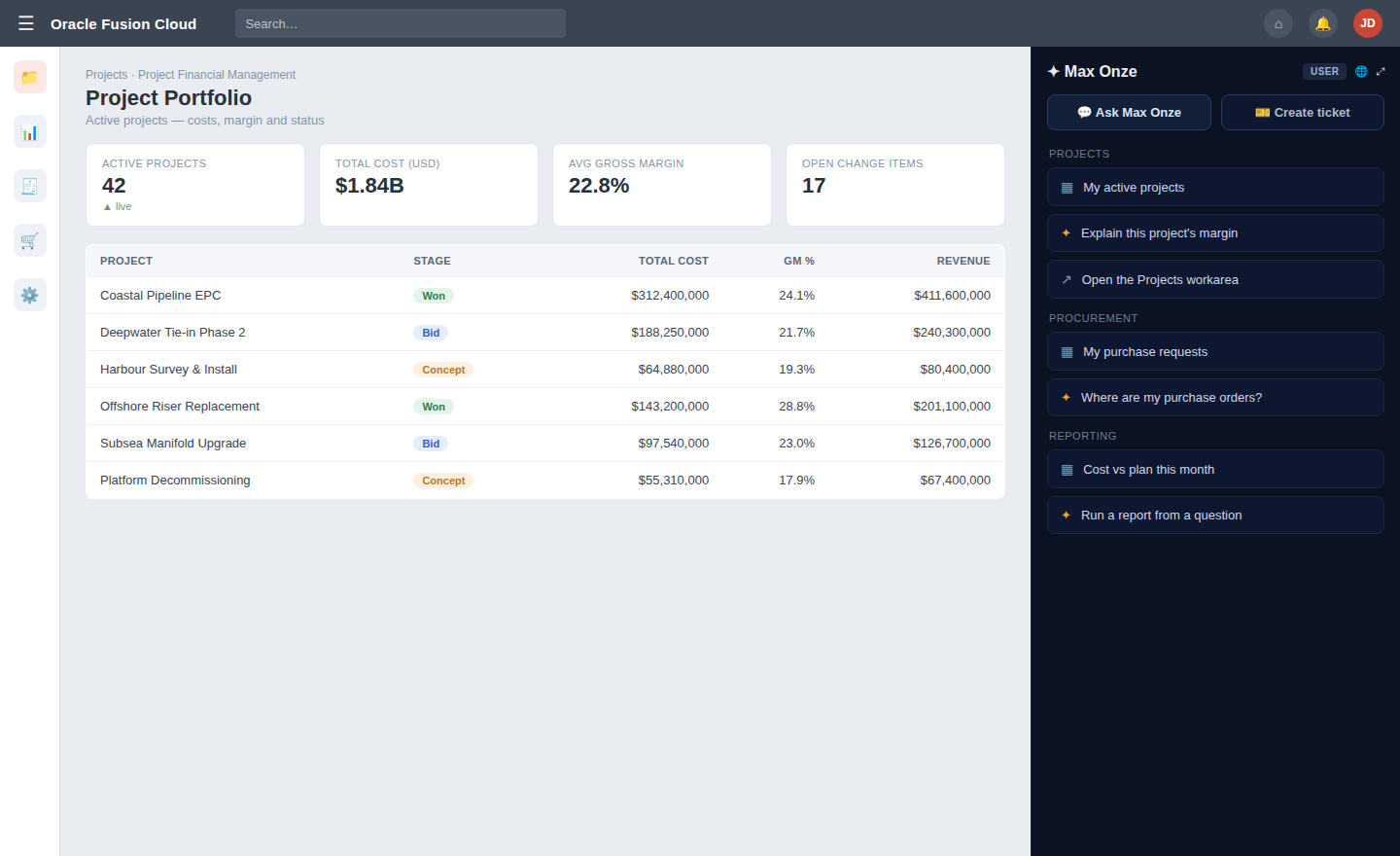
A single line in Page Composer puts an assistant and one-click ticketing in the corner of every Fusion page. What each person can ask and do is governed by their own Oracle role grants — an end user gets answers and a raise-ticket button; an operator gets the full agent. No separate user directory to manage.

  • Embedded assistant and ticketing on every Fusion screen
  • Each user's capabilities scoped to their Oracle roles
  • Raise a ticket with one screenshot, with the record in context
Tickets & worklists

From a ticket to a deployment

Inbound tickets from Jira or ServiceNow, triaged by AI, become agent sessions that do the work behind approval chips — and close back to the source. Daily billing and procurement worklists surface what's ready to action, per controller.

  • Jira / ServiceNow sync, AI triage, per-person reporting
  • Every agent action links back to a ticket
  • Daily ready-to-bill / ready-to-order worklists
How work flows

From a ticket to a deployment.

Every request travels the same governed path — raised in context, worked by the agent, and applied to Oracle only after a person approves. Closed back to the source, with an audit trail at every step.

01 · INTAKE

Raised

In Fusion, or synced from Jira / ServiceNow

02 · TRIAGE

Classified

Sorted, prioritised, matched to prior work

03 · WORK

Agent works it

Drafts the report, load, or change

04 · APPROVE

You approve

Change plan, four-eyes on production

05 · APPLY

Applied to Oracle

As the signed-in user, fully logged

06 · CLOSE

Closed & kept

Back to source, with an evidence pack

Memory

Remembers everything.
Replays past work on demand.

Three memory layers per tenant, recalled at session start — so the agent walks in knowing your environment, not learning it from scratch. A request to repeat last period's work recalls the prior run and replays its exact steps.

Episodic

What we did before

Every successful run is embedded and recalled by semantic search. "Same as last month" finds and replays the exact steps — month-end, a load, a promotion.

Procedural

How to do it

A successful run becomes a replayable record. One click to re-run; the agent can also find it and adapt it for a similar task next time.

Factual

What it knows about you

BU names, report paths, ESS job IDs, environment quirks — extracted from runs and kept, so the agent doesn't rediscover them every session.

Always on

Working when you're not.

Background sentries run on a schedule and surface a proactive approval chip at session start. Reads are autonomous — writes wait for you.

  • Inbound triage — classifies new Jira / ServiceNow tickets
  • Health monitor — REST, BIP login, ESS scheduler
  • ESS watcher — proactive notify on terminal state
  • Billing & procurement worklists — what's ready to action, daily
  • FBDI supervisor — parses logs, surfaces row errors
  • Drift detector — re-checks config and the /Custom catalogue
  • Update poller — surfaces release notes & breaking flags
  • Stale-session resumer — surfaces unfinished approval chips on login
How it runs

One appliance, inside your tenancy.

A single secure system you control, sitting beside your Oracle environments. It reaches Oracle through documented APIs as the signed-in user. The only thing that ever leaves your tenancy is the AI model call — on your own key.

Your teamAn assistant & one-click ticketing on every Fusion screen
Your OCI tenancy — data stays inside
The applianceone secure system you own and control
Assistant & workbench
Where people and support work
Agent & workers
Does the work; always-on sentries
Approval & audit
Gates every write; logs all
Secure Oracle gateway
Calls Oracle as the user
Isolated sandbox
Prepares files in a caged space
Encrypted store
Knowledge, memory & audit
as the signed-in user · writes gated
Oracle Fusionyour pods — dev · test · prod
Your ticketingJira / ServiceNow — synced both ways
only the model call leaves your tenancy
Your AI modelYour own key, your region — never trained on your data

In your tenancy

Not multi-tenant SaaS holding your financials. It sits beside your pods; the model call rides your own key, in your region.

Delegated authority

Acts as the signed-in Fusion user — their business unit, ledger and data security apply. Entitlements come from your own Oracle roles.

Approval & audit

Every write is bound to a readable change plan, optionally four-eyes, fully audited, with an evidence pack per change. Maps to EU AI Act Article 14.

Nothing hidden

One page lists exactly what can leave the appliance and the toggle that controls it. No telemetry. Multilingual — EN / FR.

Engagement

Custom-fit, in weeks — not a year.

The framework is proven, so the work is alignment, not invention. A first workload typically goes live in your pod within weeks.

Step 01

Discovery

One session on your pods, your top workloads and security constraints. We agree the first workload to fit.

Step 02

Deploy

The appliance stands up in your OCI tenancy. Roles imported, catalogue indexed, assistant live in a sandbox.

Step 03

Align

Your first workload shaped to your real data and rules — validated against your own pod, read-only first.

Step 04

Expand

Each new workload reuses the same core. Proof from one funds the next; the memory carries across all.

One agent. Every Oracle job.

Tell us your environments and your sharpest Oracle pain. We'll run ERPStudio against a sandbox of your own Fusion environment — read-only, nothing in production. Guided onboarding · sandbox live same day.